

Download Tumblr – Free Blogging Platform, Easy Publishing Tool
Overview
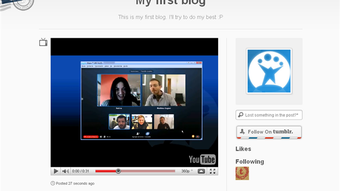
Tumblr is the simplest way to start a personal blog or visual journal without the steep learning curve that most publishing platforms impose. Built around an intuitive web‑based editor, Tumblr lets you create, edit, and share content in under two minutes after you register with just an email address. Whether you want to post short text updates, high‑resolution photos, GIFs, videos, audio clips, quotes, chat logs, or simple links, the platform’s flexible post types cover every creative need.
One of the biggest advantages of Tumblr is its blend of blogging and social networking: you can follow other users, “like” posts, and reblog content to your own page, fostering a vibrant community that feels more like a social feed than a static blog. Personalization is also straightforward—choose from a growing library of free and premium themes, adjust colors, fonts, and layout, or dive into the HTML/CSS editor if you have design experience. The platform supports custom domains, so you can map myname.tumblr.com to a domain you already own, giving you a professional web address without extra hosting fees.
Because Tumblr is a cloud‑based service, all updates, security patches, and new features are applied automatically, meaning you never have to manually download a new version or worry about compatibility issues on your device. Whether you’re a casual hobbyist, a visual artist, or a marketer looking for a fast‑to‑launch micro‑site, Tumblr delivers a free, secure, and constantly updated environment that lets you focus on content rather than technical maintenance.
Key Features That Make Tumblr Stand Out
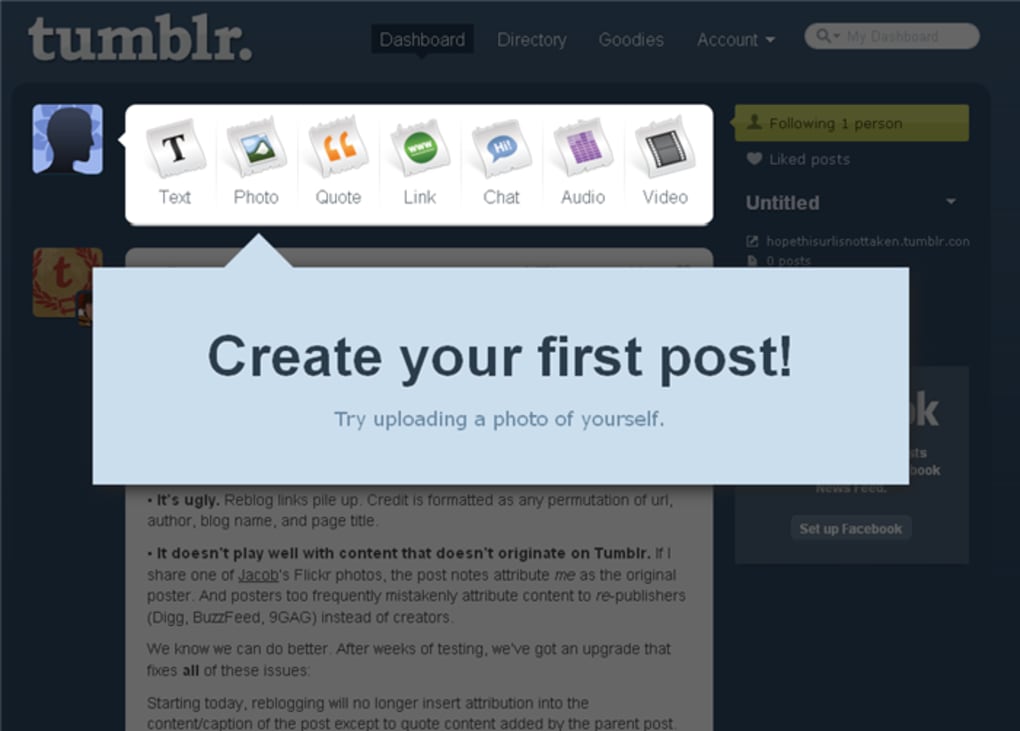
- Multi‑format post editor – Create text, photo, quote, link, chat, audio, and video posts from a single dashboard.
- Instant publishing – Publish a post with one click; no need to schedule or configure complex settings.
- Free and premium themes – Hundreds of responsive designs, with the ability to customize CSS for a unique look.
- Social interaction tools – Follow, like, and reblog posts, turning your blog into a social hub.
- Custom domain support – Map any domain you own to your Tumblr blog for a professional web address.
- Built‑in analytics – Track views, likes, reblogs, and follower growth without third‑party plugins.
- Cross‑platform accessibility – Access your blog via any web browser, plus native iOS and Android apps.
- Secure cloud hosting – All data stored on Tumblr’s servers, protected by SSL encryption and regular security updates.
- Content tagging and search – Organize posts with tags, making it easy for readers to discover related material.
- Integration with other networks – Share posts directly to Facebook, Twitter, and Pinterest with a single click.
These features combine to create a publishing experience that feels both powerful and lightweight. The multi‑format post editor eliminates the need for external tools; you can embed a YouTube video, upload a high‑resolution photo, or add a short audio clip all within the same interface. Themes are responsive out of the box, meaning your blog looks great on desktops, tablets, and smartphones without any extra work.
If you opt for a premium theme, you gain access to additional layout options, priority support, and often a set of pre‑designed color palettes. Social interaction is baked into every post, encouraging readers to spread your content through reblogs—a viral mechanism that can dramatically increase reach without any paid promotion. Custom domains give you branding flexibility; you can use yourbrand.com instead of a subdomain, which is especially valuable for businesses or creators seeking a polished online presence.
Finally, the seamless integration with other social platforms means you can amplify a post across your entire digital ecosystem with minimal effort, making Tumblr a true hub for content distribution.
Installation, Setup, and Cross‑Platform Compatibility
Getting started with Tumblr is a matter of minutes. Visit tumblr.com and click the “Sign up” button. You’ll be prompted to enter an email address, create a password, and choose a unique blog name. Once you confirm your email, the platform automatically creates a subdomain (yourname.tumblr.com) and drops you into the dashboard where you can start publishing immediately. No software download is required for the web version; everything runs securely in your browser, whether you’re on Windows, macOS, Linux, or a Chromebook.
For mobile users, Tumblr offers native apps for iOS and Android. Simply search for “Tumblr” in the App Store or Google Play, download the free app, and log in with the same credentials you created on the web. The mobile apps mirror the desktop experience, allowing you to post, browse, and manage followers on the go. Because the apps are regularly updated through the respective app stores, you always have the latest security patches and feature enhancements without manual intervention.
Supported operating systems: Windows 10/11, macOS 10.15+, Linux (any modern distribution with a supported browser), iOS 13+, Android 8.0+. The platform is fully responsive, so any device with a modern browser (Chrome, Firefox, Safari, Edge) can access all functionalities, including theme customization, post editing, and analytics.
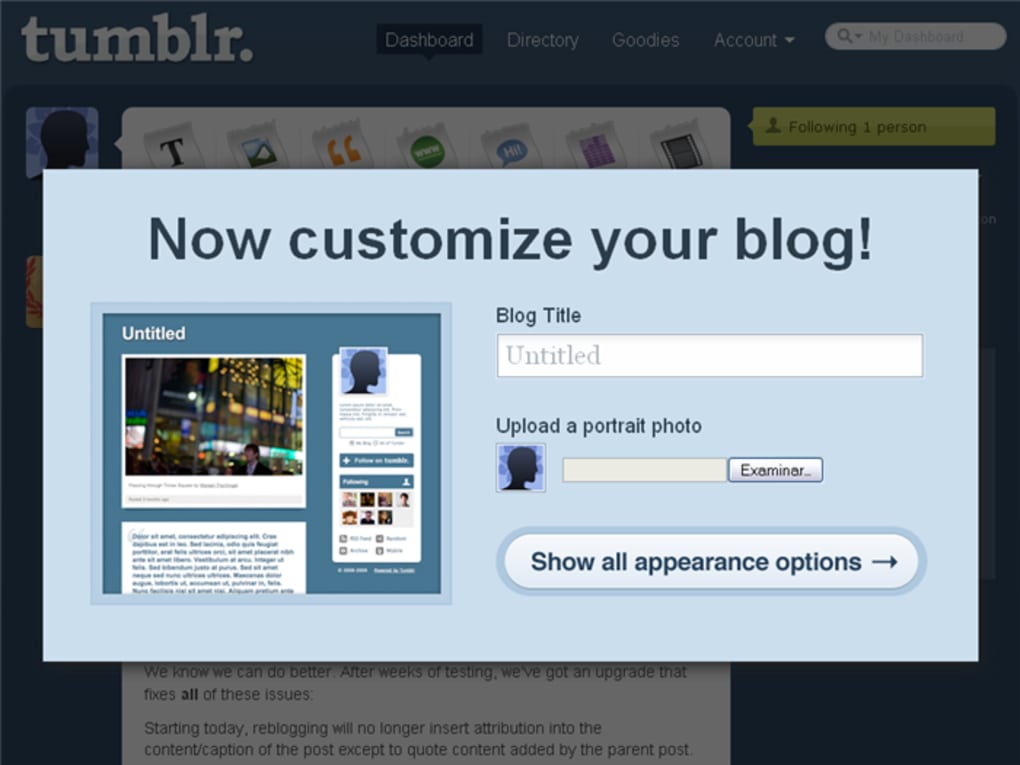
After logging in, the first steps are to choose a theme, customize its appearance, and add essential pages (About, Contact, etc.). The theme editor provides a visual preview, and if you’re comfortable with HTML/CSS, a “Edit HTML” button opens the raw code for deeper tweaks. To connect a custom domain, navigate to Settings → Blog Settings → “Custom domain,” then enter your domain name and follow the DNS instructions (typically adding a CNAME record pointing to domains.tumblr.com). Once DNS propagation completes (usually within a few hours), your blog will be accessible via your own domain, and the change is reflected instantly across all devices.
Because all content is stored in the cloud, there is no need for local backups—Tumblr automatically saves drafts and publishes posts directly to its servers. However, if you prefer an offline copy, you can export your blog’s XML file from Settings → “Export blog.” This file can be imported into other platforms or kept as a personal archive. Overall, the installation and usage process is designed for maximum simplicity while still offering the flexibility required by power users.
Pros and Cons – A Balanced Look at Tumblr
Pros
- Fast setup: Create a blog in under two minutes with just an email address.
- Free core features: No subscription required for basic publishing, themes, and social tools.
- Multi‑format posts: Supports text, photo, video, audio, quote, chat, and link posts.
- Responsive themes: All free and premium designs adapt to mobile, tablet, and desktop screens.
- Built‑in social network: Follow, like, and reblog without needing third‑party plugins.
- Cross‑platform access: Works in any modern browser and offers native iOS/Android apps.
- Automatic updates: Security patches and new features are applied server‑side.
- Custom domain support: Gives a professional URL without extra hosting costs.
- SEO‑friendly tagging: Tags improve discoverability on search engines and within Tumblr.
- Free analytics: Provides basic metrics for post performance and follower growth.
Cons
- Limited advanced customization: Deep design changes require HTML/CSS knowledge.
- Ads on free blogs: Tumblr displays promotional content on free accounts.
- No native e‑commerce tools: Lacks built‑in shopping cart or payment integration.
- Domain availability check missing: You cannot pre‑search for a custom domain before registration.
- Search engine indexing can be inconsistent: Some blogs may need extra SEO tweaks to rank well.
- Moderation tools are basic: Advanced spam filtering requires third‑party services.
- Limited post scheduling: Free tier offers only manual publishing, not advanced scheduling.
- Community focus on visual content: Text‑heavy blogs may receive less organic traffic.
- No built‑in newsletter feature: Requires external services to email subscribers.
- Export format is XML only: Migrating to other platforms may need conversion tools.
The balance of these pros and cons makes Tumblr an excellent choice for creators who prioritize speed, visual storytelling, and community interaction over deep e‑commerce functionality or enterprise‑level customization. If you value a free, secure, and continuously updated platform that works on Windows, Mac, Android, and iOS, the advantages generally outweigh the limitations.
FAQ & Conclusion – Is Tumblr Right for You?
Can I use Tumblr without an internet connection?
No. Tumblr is a cloud‑based service, so you need an active internet connection to create, edit, or publish posts. However, you can draft posts offline in the mobile app; the drafts sync automatically once you reconnect.
Is Tumblr safe for personal data and privacy?
Yes. Tumblr uses SSL encryption for all data transfers and stores content on secure servers. You can also enable two‑factor authentication (2FA) for added account protection.
Can I monetize my Tumblr blog?
While Tumblr doesn’t have built‑in e‑commerce tools, you can add affiliate links, promote sponsored content, or embed PayPal/Ko‑fi donation buttons. For full‑scale stores, you may need to link to an external platform.
How does Tumblr’s reblog feature work?
When you click “reblog” on a post, the original content is shared on your blog with a credit link back to the source. You can add your own commentary before publishing, which helps spread content organically across the network.
Do I need to pay for premium themes?
Premium themes are optional. Tumblr offers a large library of free themes that are fully functional. Premium options provide additional design flexibility, priority support, and sometimes exclusive layout features, but they are not required to run a successful blog.
In summary, Tumblr delivers a fast, free, and secure blogging experience that works seamlessly across Windows, macOS, Android, and iOS. Its strength lies in the simplicity of publishing mixed‑media posts, the built‑in social network that encourages reblogs and likes, and the ability to customize your blog with both free and premium themes. While power users may miss deeper e‑commerce integrations or advanced scheduling tools, the platform’s constant updates, cloud hosting, and cross‑platform compatibility make it an excellent choice for creators who want to focus on content rather than technical maintenance. If you’re ready to start a blog without the hassle of server setups, endless plugins, or costly subscriptions, download Tumblr today and unleash your creativity in minutes.



.png)



